

Image Studio
Text-to-image, img2img, inpainting, and upscaling across top-tier diffusion models.
OWeb satellite · OneID
A full creative studio in your browser — Flux, Kling, Veo, Wan, and 200+ models. Same sign-in as OWeb. Bring your own MuAPI key.
Workspace-scoped · BYOK · auth.oweb.one
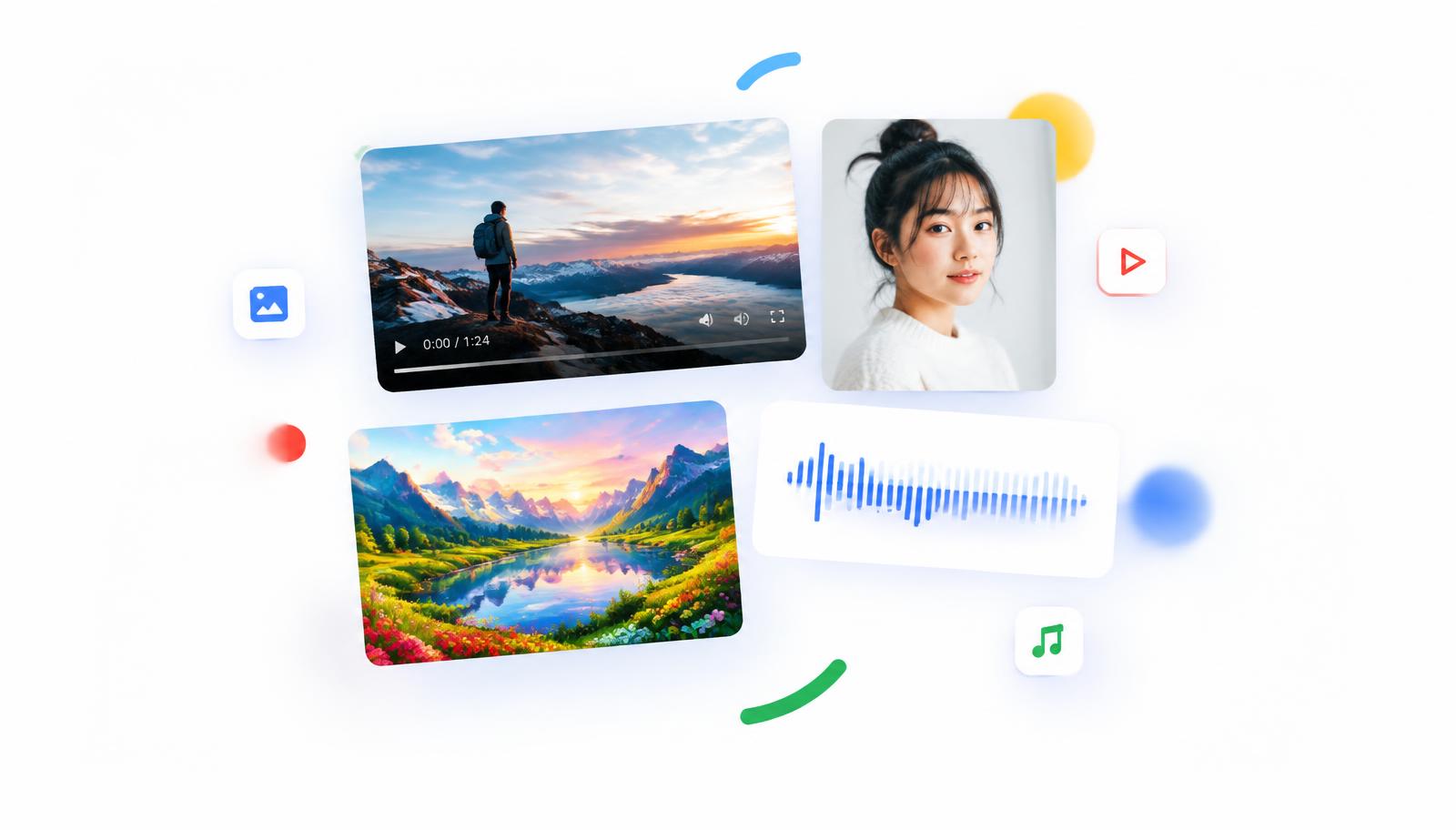
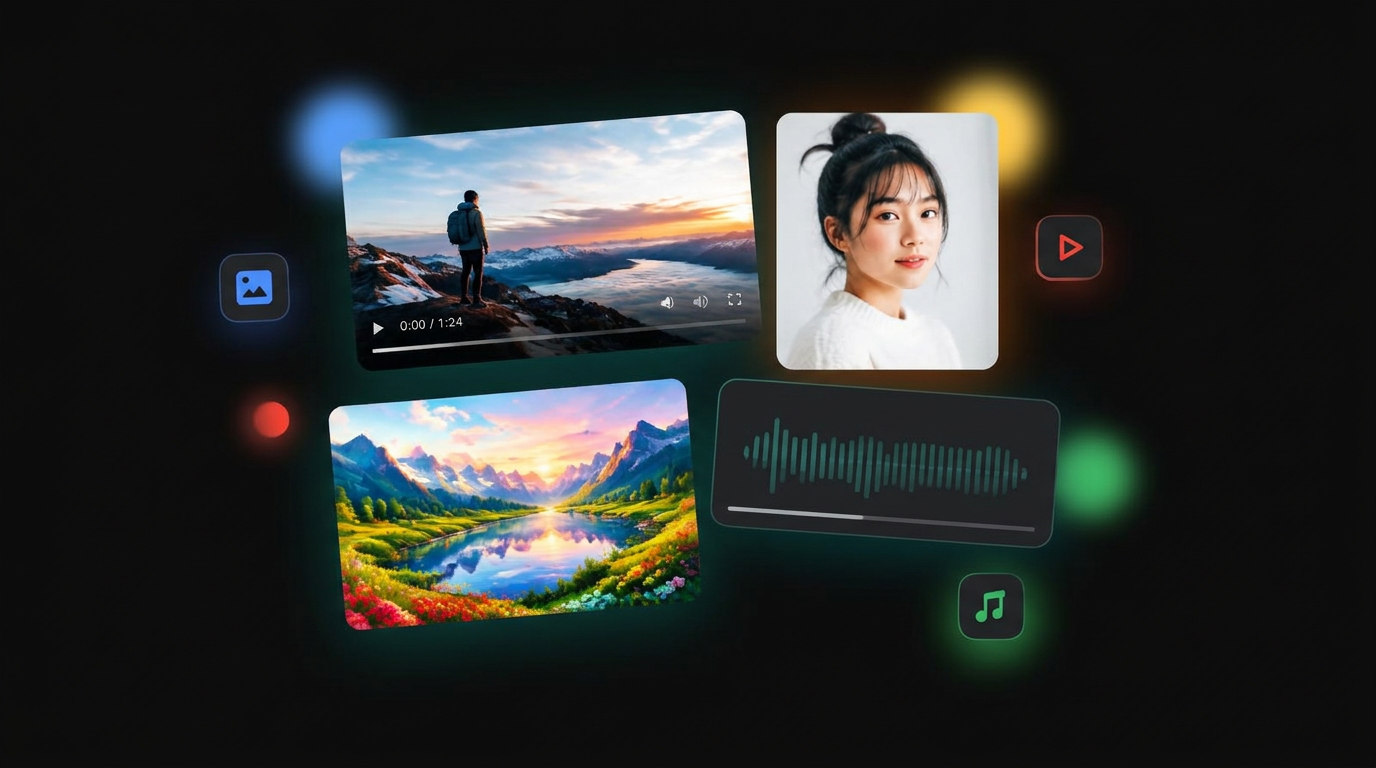
Switch providers without switching products — image, video, audio, and cinema in the same shell.
Tab-based studios share history, drag-and-drop, and your API key scope.
Text-to-image, img2img, inpainting, and upscaling across top-tier diffusion models.

Text and image to video with gateway routing to Kling, Veo, Seedance, and more.
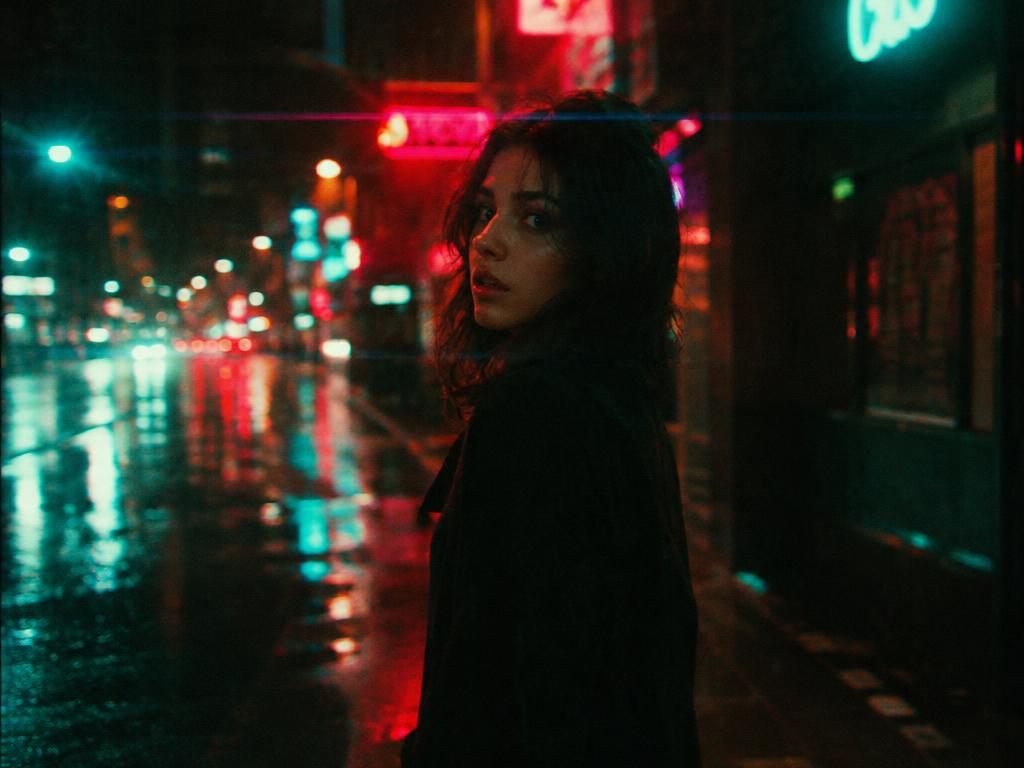
Lens presets, compositing, and professional shot framing for cinematic output.
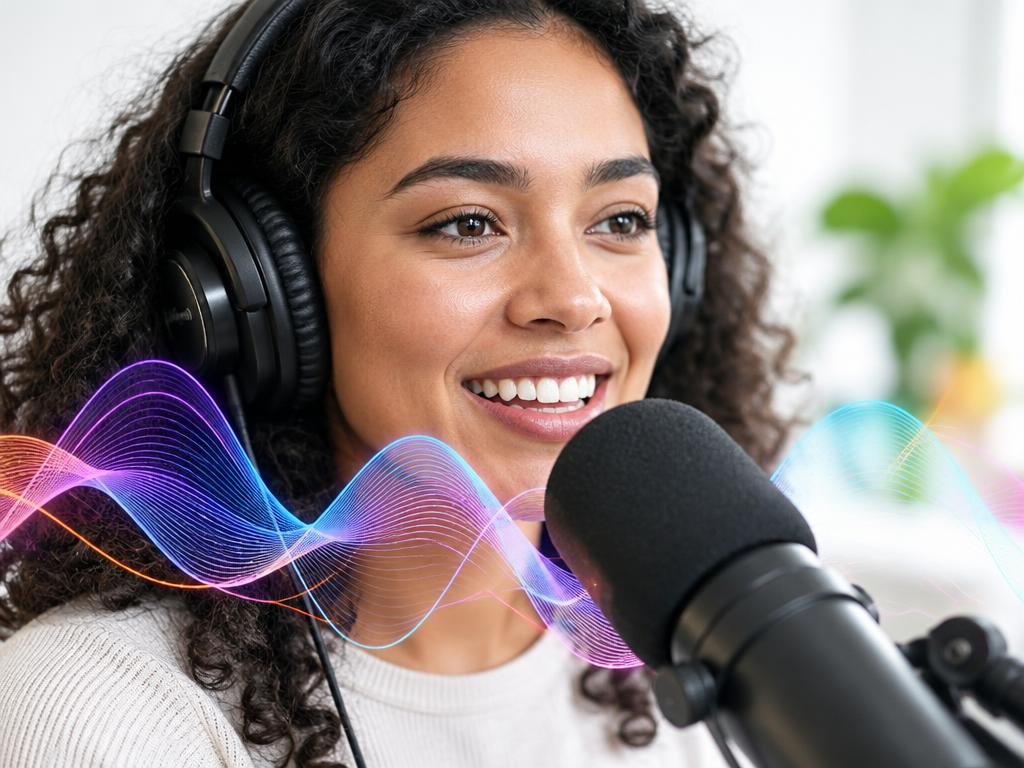
Drive faces with audio, clone voices, and sync marketing cuts.
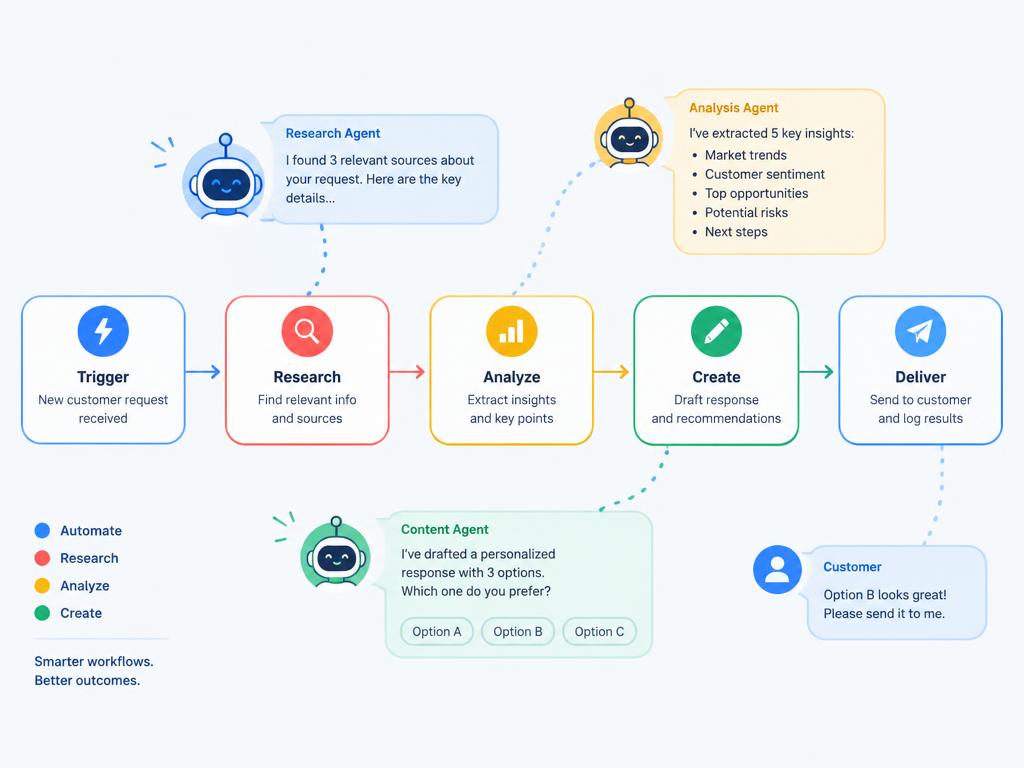
Multi-step automations and MuAPI agents without leaving the shell.
Launch revenue-ready templates from the same navigation and identity.
Generate, edit, and composite with modern diffusion and editing models.
Text-to-video, image-to-video, motion control, and cinematic shots.
Lip sync, audio tools, and marketing-ready ad variations.
Automate multi-step creative pipelines without leaving the studio.
A calm workspace with clear navigation — no clutter between you and the render queue.
Team generations, shared activity, and scoped API keys per workspace — built for operators, not hobby tabs.
Sign in with OneID, switch workspaces like OWeb, and launch from the App Store with SSO redeem.
Use your existing OneID — no second password to remember.
Keys stay in your browser per workspace. You control spend and access.
Pick a tool tab, choose a model, and generate — results stay in your session.